
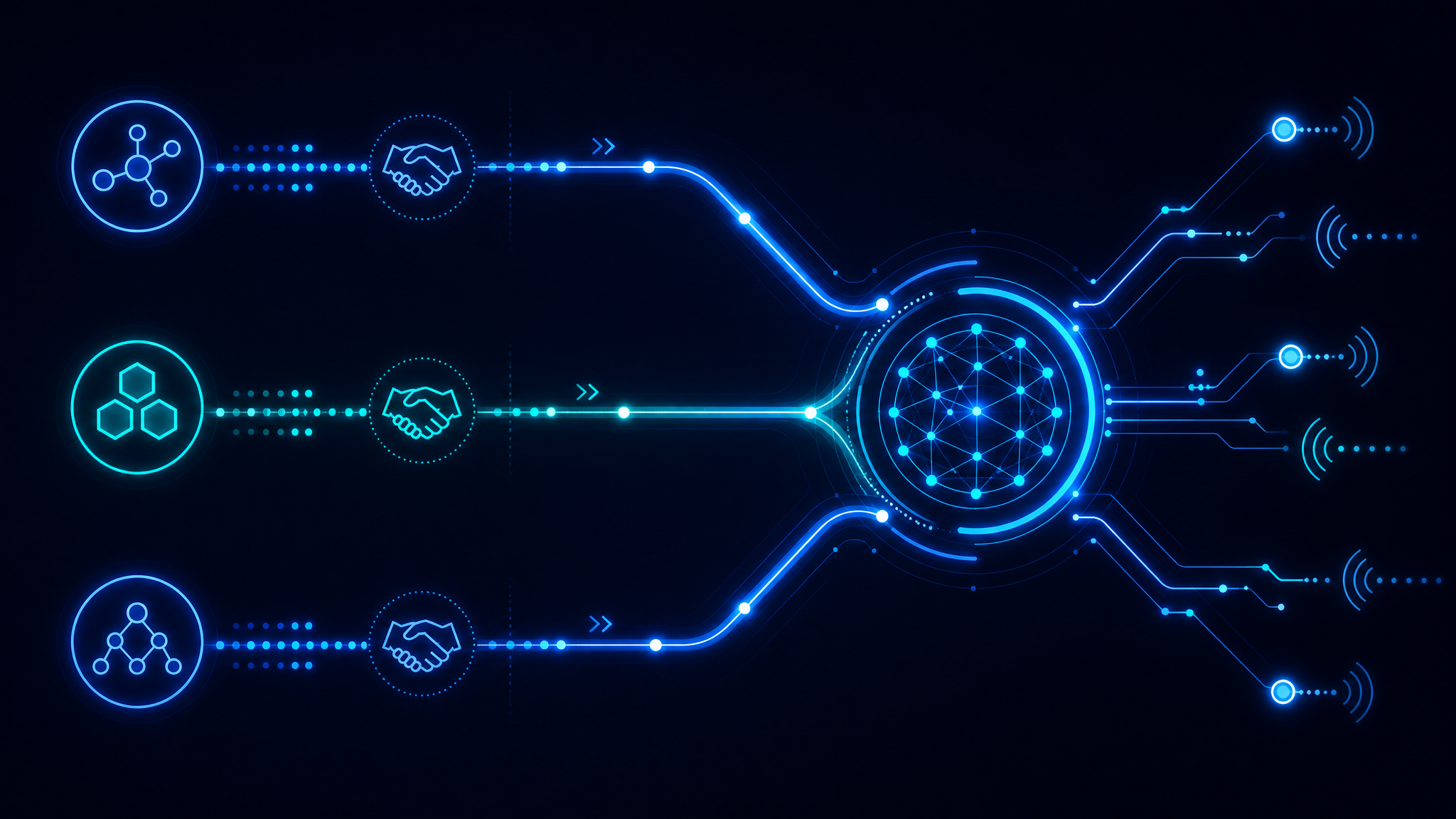
TL;DR: UCP standardises how agents discover commerce capabilities. ACP standardises how agents execute transactions. MCP standardises how agents interface with tools and data sources. You likely need all three, but in different parts of your stack.
The Protocol Confusion
Since 2024, at least a dozen AI commerce protocols have been proposed. Three have gained real traction: UCP, ACP, and MCP. They are not competitors - they solve different problems at different layers of the agent commerce stack.
Understanding which layer you are building for prevents costly architectural mistakes.
Universal Commerce Protocol (UCP)
Purpose: Discovery and capability negotiation.
UCP is a manifest format that tells an AI agent what your store can do. It is analogous to llms.txt but with a formal schema for commerce-specific signals.
{
  "@context": "https://ucp.dev/v1",
  "@type": "CommerceManifest",
  "name": "My Store",
  "capabilities": [
    "product_search",
    "price_comparison",
    "checkout",
    "order_tracking"
  ],
  "endpoints": {
    "search": "https://api.mystore.com/search",
    "checkout": "https://api.mystore.com/checkout"
  },
  "payment_methods": ["stripe", "paypal"],
  "currency": "GBP"
}
When to use UCP:
- You want AI agents to discover your store programmatically
- You run a multi-vendor marketplace and need standardised capability listings
- You are building a search or comparison agent that needs to query many stores
Where it lives: Serve at /.well-known/ucp.json or linked from llms.txt.
Agent Commerce Protocol (ACP)
Purpose: Transaction execution.
ACP is a payment and transaction protocol designed for agent-initiated purchases. It handles the handshake between the agent, the merchant, and the payment provider without requiring a human to click "Buy Now."
{
  "protocol": "ACP/1.0",
  "action": "purchase",
  "merchant_id": "merch_abc123",
  "items": [
    {
      "sku": "NIKE-P40-BLK-10",
      "quantity": 1,
      "unit_price": "129.99",
      "currency": "GBP"
    }
  ],
  "shipping_address": {
    "country": "GB",
    "postal_code": "SW1A 1AA"
  },
  "payment_authorisation": {
    "provider": "stripe",
    "token": "tok_visa_4242"
  }
}
When to use ACP:
- You are building a "buy on my behalf" agent
- You want to support one-click agent purchases without human confirmation
- Your checkout needs to handle programmatic payment tokens
Where it lives: Expose an /acp/checkout endpoint that accepts ACP payloads and returns order confirmations.
Model Context Protocol (MCP)
Purpose: Tool interface for AI assistants.
MCP, from Anthropic, is not commerce-specific. It is a general protocol for connecting AI assistants to external tools, databases, and APIs. In a commerce context, MCP wraps your UCP manifest and ACP endpoints as callable tools.
// MCP tool definition for your commerce API
{
  name: 'purchase_product',
  description: 'Purchase a product from the store using ACP',
  inputSchema: {
    type: 'object',
    properties: {
      sku: { type: 'string' },
      quantity: { type: 'integer', minimum: 1 },
      shipping_address: {
        type: 'object',
        properties: {
          country: { type: 'string' },
          postal_code: { type: 'string' }
        }
      }
    },
    required: ['sku', 'quantity']
  }
}
When to use MCP:
- You are building an AI assistant that needs to call your store as a tool
- You want Claude, ChatGPT, or custom agents to interact with your API natively
- You need typed inputs and outputs for agent tool calls
Where it lives: Publish an MCP server package that agents install and connect to.
Stack Diagram
AI Agent (Claude, GPT, Custom)
         │
         ▼
    [ MCP Server ]  ←── Tool interface, typed calls
         │
         ▼
    [ UCP Manifest ]  ←── "What can this store do?"
         │
         ▼
    [ ACP Endpoint ]  ←── "Execute the purchase"
         │
         ▼
    [ Your Store API ]
Quick Decision Matrix
| If you need... | Use |
|---|---|
| Agents to find your store and know what it sells | UCP |
| Agents to complete a purchase without a human | ACP |
| Claude/GPT to call your store as a native tool | MCP |
| All of the above | UCP + ACP + MCP |
Implementation Priority
- Start with UCP. Publish a manifest so agents can discover you.
- Add ACP if you want direct sales. Build the checkout endpoint that accepts agent payloads.
- Wrap with MCP if you want assistant integration. Publish an MCP server for tool-native access.
Recommended Next Step
Run a free AI Readiness Scan to check which protocols your site currently exposes. The scanner detects UCP manifests, ACP endpoints, and MCP servers - then tells you exactly what is missing and how to add it.
Find this useful?
Share it with your team or scan your own site.